 listicle
SEO Test Free: 10 Tools to Audit Your Site Today
Table of Contents
- What Is an SEO Test and Why You Need One Free
- Quick Comparison: Top Free SEO Test Tools
- How to Perform an SEO Audit in 5 Steps
- 1. Google Search Console: Essential SEO Testing Baseline
- 2. Ahrefs Webmaster Tools: Free Technical SEO Audit
- 3. Screaming Frog: Deep Crawlability and Indexability Analysis
- 4. PageSpeed Insights: Core Web Vitals and Performance Testing
- 5. MozBar: On-Page SEO and Authority Checker
- 6. Ubersuggest: All-in-One Free SEO Analysis Report
- 7. GTmetrix: Page Speed and User Experience Testing
Last Updated: July 7, 2026
When you're trying to improve your website's visibility in search results, knowing where to start matters. An seo test free tool can reveal critical issues holding your site back from ranking higher on Google. At GrandRanker, we've helped hundreds of founders diagnose and fix SEO problems that were silently costing them organic traffic. This guide walks you through the best free options available today and shows you exactly how to use them to audit your site's health.
The challenge isn't finding tools, it's knowing which ones actually deliver actionable insights versus vanity metrics. We'll compare the top free SEO test solutions, explain what each one measures, and show you how to implement fixes based on what you discover. Whether you're checking for technical SEO issues, analyzing page speed, or reviewing your backlink profile, these free tools give you professional-grade data without the enterprise price tag.
What Is an SEO Test and Why You Need One Free
An SEO test is a diagnostic scan of your website that identifies issues preventing it from ranking higher in Google search results. The test analyzes on-page factors like meta tags and keyword optimization, technical elements like crawlability and site speed, and off-page signals like backlinks and domain authority. Think of it as a health checkup for your website, it reveals what's working and what needs immediate attention.
Most websites have fixable issues that cost them thousands in lost organic traffic. A free seo test free tool uncovers these problems without requiring you to pay for enterprise software. The best part: many of these tools are built by the same companies behind expensive paid platforms, so you're getting legitimate, professional-grade analysis at zero cost.
Here's what makes a free SEO audit valuable. It gives you baseline data about your current rankings, identifies broken links and server errors, shows you which pages are crawlable by Google, and reveals opportunities where competitors are outranking you. Once you know what's broken, fixing it becomes straightforward. Most teams see measurable ranking improvements within 30-60 days of addressing the top issues an audit uncovers.
Quick Comparison: Top Free SEO Test Tools
The free SEO testing landscape has fragmented into specialized tools, each excelling at different parts of the audit process. Some focus on technical crawl analysis, others on page speed, and others on backlink research. The most efficient approach is combining 2-3 complementary free tools rather than relying on a single all-in-one solution.
Google Search Console remains the foundational tool because it's the only source of actual search traffic data from Google itself. Ahrefs Webmaster Tools provides professional-grade technical audits comparable to paid enterprise tools. Screaming Frog delivers deep crawlability analysis that catches issues other tools miss. PageSpeed Insights measures Core Web Vitals, which Google uses as a ranking factor. MozBar offers quick on-page analysis while you browse. Ubersuggest provides all-in-one functionality with a gentle learning curve for beginners.
The right combination depends on your skill level and specific needs. Beginners should start with Google Search Console plus Ubersuggest. Technical SEO specialists will want Screaming Frog plus Ahrefs Webmaster Tools. Speed-focused teams need PageSpeed Insights plus GTmetrix. The comparison table below shows which tool handles each audit category best.
| Tool | Best For | Free Tier | Learning Curve |
|---|---|---|---|
| Google Search Console | Search traffic data & indexing | Full access | Moderate |
| Ahrefs Webmaster Tools | Technical SEO & backlinks | Full access | Moderate |
| Screaming Frog | Deep crawl analysis | 500 URLs | Steep |
| PageSpeed Insights | Core Web Vitals & speed | Full access | Easy |
| MozBar | Quick on-page metrics | Limited features | Easy |
| Ubersuggest | All-in-one beginner tool | Daily limits | Easy |
| GTmetrix | Performance waterfall analysis | Limited scans | Moderate |
How to Perform an SEO Audit in 5 Steps
Performing an seo test free audit doesn't require technical expertise, it requires a systematic approach. The process takes 2-3 hours for a small site and involves five sequential steps that build on each other. Start with Google Search Console to understand what Google already knows about your site, then move to technical analysis, then page speed, then on-page factors, and finally competitive research.
The key is working through each step in order. Skipping steps creates blind spots. For example, checking page speed before fixing crawlability issues means you're optimizing pages Google can't even index yet. Following this sequence ensures you address the highest-impact problems first.
What You'll Need Before Starting
Gather these items before beginning your audit. You'll need access to your website's admin panel or hosting account to implement fixes later. You'll need your Google Search Console property set up and verified, if you haven't done this, stop here and set it up first; it takes 10 minutes and is non-negotiable for SEO. You'll need a text editor or spreadsheet for documenting findings. You'll need 2-3 hours of uninterrupted time to work through all five steps thoroughly.
1. Google Search Console: Essential SEO Testing Baseline
Google Search Console is the single most important tool for understanding your site's search performance. It's the only platform that shows you actual search traffic data from Google, which means it's the only tool that tells you what's actually working. Every other tool is analyzing your site in isolation; Google Search Console shows you how Google sees your site in the real world.
Start by checking the Performance report. This shows your total impressions, clicks, average position, and click-through rate across all keywords. If your average position is 15-20, you're on page two of Google, a critical insight that tells you the scale of your ranking problem. If your click-through rate is below 2%, your title tags and meta descriptions need rewriting. These are the metrics that matter because they represent actual user behavior.
Next, check the Coverage report to see how many pages Google has indexed. If you have 50 pages but only 30 are indexed, you have crawlability issues. The Coverage report also shows you specific errors, pages returning 404 errors, pages blocked by robots.txt, pages with duplicate content issues. These errors are your highest-priority fixes because they directly prevent Google from ranking your content.
The Sitemaps section shows whether Google can access your XML sitemap and how many pages it contains. If your sitemap shows 50 pages but Google has only indexed 30, that's a red flag. Finally, check the Core Web Vitals report if your site gets meaningful traffic. This shows whether your pages pass Google's speed and user experience requirements. Failing Core Web Vitals is a ranking factor, fix these before anything else.
2. Ahrefs Webmaster Tools: Free Technical SEO Audit
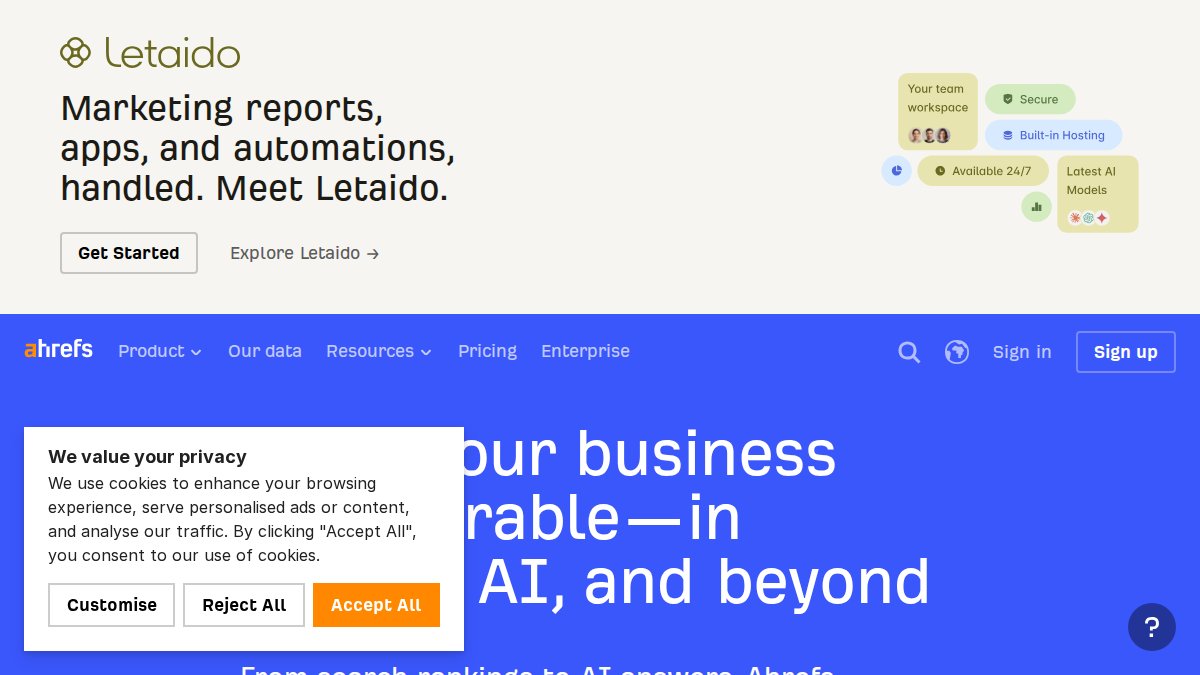
Ahrefs Webmaster Tools delivers professional-grade technical SEO analysis at zero cost, making it one of the most underrated free tools available. The free tier includes their Site Audit tool, which crawls your website and identifies 170+ common SEO issues. The data quality rivals paid tools costing hundreds per month.
Run the Site Audit first. It will crawl your site and produce a comprehensive report organized by severity. Critical issues appear first, these are problems that directly prevent Google from ranking your site. Common critical issues include missing H1 tags, redirect chains, duplicate content, and broken internal links. Fix every critical issue before moving to warnings.
The Backlink Audit section shows you which sites link to yours and which ones might be toxic. This matters because bad backlinks can hurt your rankings. Ahrefs flags links from low-quality sources, spam domains, and competitors linking to you with negative intent. You can export these and potentially request removal.
The Organic Keywords report shows which keywords your site currently ranks for, your average position, and search volume. This is valuable competitive intelligence. If you rank #5 for a keyword with 500 monthly searches, moving to #2 could mean 300 additional monthly visits. Prioritize keywords where you're close to the top but not quite there yet.
The free tier limits your crawl frequency and gives you limited historical data, but the analysis is still professional-grade. Most small sites need to run the Site Audit monthly. For larger sites, quarterly audits catch issues before they compound.
3. Screaming Frog: Deep Crawlability and Indexability Analysis
Screaming Frog SEO Spider is specialized software that crawls your website like Google does, revealing exactly what the search engine sees when it visits. Unlike web-based tools, Screaming Frog runs on your desktop and provides deep technical analysis that catches issues other tools miss. The free version handles up to 500 URLs, which covers most small-to-medium sites.
Download and install the desktop version, then enter your domain. The crawler will visit every page on your site and produce a detailed report. The Crawl Overview shows your total page count, average page size, response codes, and redirect chains. Look for pages returning 404 or 500 errors, these are broken and need fixing immediately.
The Page Titles and Meta Descriptions tabs show you which pages are missing these critical on-page elements. Every page should have a unique, descriptive title tag (50-60 characters) and meta description (150-160 characters). If you have 20 pages and only 15 have titles, you've found work to do.
Check the Headings tab to see which pages are missing H1 tags or have multiple H1s. Google expects one H1 per page. Multiple H1s confuse the search engine about what your page is about. The Internal Links tab shows your site architecture, how pages connect to each other. Pages with no internal links are orphaned and won't rank well because Google can't find them through normal crawling.
The Redirect Chains report shows unnecessary redirects. A single redirect is fine, but chains of three or more redirects slow down page load times and waste crawl budget. The Duplicate Pages section identifies pages with identical or near-identical content, which dilutes ranking authority.
4. PageSpeed Insights: Core Web Vitals and Performance Testing
PageSpeed Insights measures whether your website meets Google's Core Web Vitals requirements, which are official ranking factors. The three metrics are Largest Contentful Paint (how fast your main content loads), First Input Delay (how responsive your site is to user interaction), and Cumulative Layout Shift (whether elements shift around while the page loads).
Visit pagespeed.web.dev and enter your URL. The tool runs two tests, one based on real user data from the Chrome User Experience Report and one based on lab conditions. The field data is more meaningful because it reflects actual user experience. If your field data shows "poor" Core Web Vitals, your site is losing rankings.
The report provides actionable recommendations. Common issues include unoptimized images, render-blocking JavaScript, unused CSS, and server response times. The recommendations are technical, but they're specific, you'll see exactly which images need compression or which scripts are blocking page render.
Focus on the biggest wins first. Typically, compressing images and removing unnecessary JavaScript provides the fastest improvements. For most small sites, improving Core Web Vitals from "poor" to "good" takes 2-4 weeks of focused optimization.
5. MozBar: On-Page SEO and Authority Checker
MozBar is a free browser extension that provides instant SEO metrics while you browse any website. Install it from the Chrome Web Store, and it adds a toolbar to your browser showing Domain Authority (DA) and Page Authority (PA) for any page you visit. This is valuable for competitive research and quick on-page analysis.
When you visit a competitor's page, MozBar shows you their DA, their PA for that specific page, the number of external links pointing to the page, and a breakdown of on-page elements. You can see their title tag, meta description, H1, and image alt text. This competitive intelligence helps you understand what's working in your industry.
The SERP overlay feature shows DA and PA for all results on a Google search results page. If you're ranking #8 for a keyword but the #1 result has lower DA than you, that tells you the issue isn't authority, it's on-page optimization or content quality. This insight changes your optimization strategy.
The free version has limitations, advanced features require a Moz Pro subscription. But for quick competitive analysis and on-page element checking, MozBar delivers value at zero cost.
6. Ubersuggest: All-in-One Free SEO Analysis Report
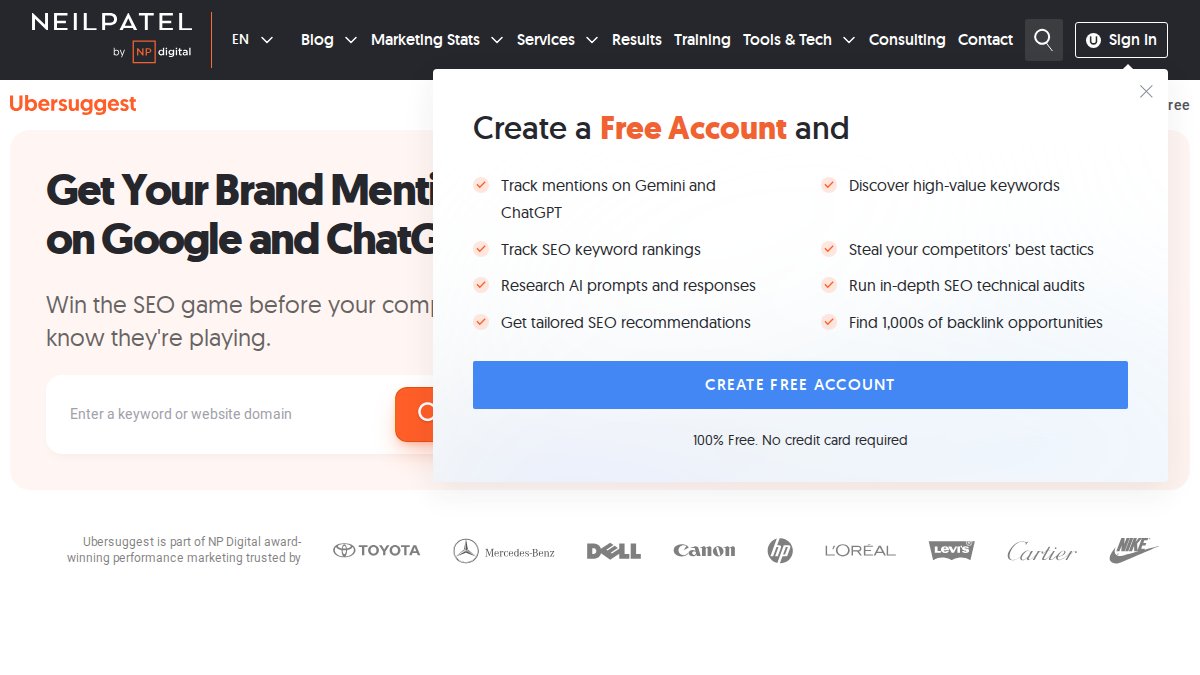
Ubersuggest is designed for beginners and small businesses that want comprehensive seo test free analysis in a single tool. Unlike specialized tools, Ubersuggest covers keyword research, site audits, backlink analysis, and competitor research in one interface. The free tier has daily usage limits, but it's sufficient for weekly audits.
Log in and enter your domain to run the Site Audit. Ubersuggest crawls your site and identifies technical issues, on-page problems, and backlink opportunities. The report is presented in a simple, visual format that's easier to understand than enterprise tools. For teams without technical SEO expertise, this accessibility is valuable.
The Keyword Research section shows search volume and keyword difficulty for terms related to your industry. The Competitor Analysis shows which keywords your competitors rank for and where they're getting backlinks. This intelligence helps you identify gaps in your content strategy.
The free tier limits you to one domain and one competitor analysis per day. For ongoing monitoring, you'll eventually hit these limits. But for a initial seo test free audit and weekly checks, Ubersuggest provides legitimate value without payment.
7. GTmetrix: Page Speed and User Experience Testing
GTmetrix provides detailed waterfall charts showing exactly how your website loads, resource by resource. Unlike PageSpeed Insights, which gives you scores and recommendations, GTmetrix shows you the loading sequence, which files load first, which ones block rendering, and where bottlenecks occur.
Visit gtmetrix.com and enter your page URL. The tool runs a test from a real browser and produces a detailed report. The Performance Score (0-100) shows overall speed. The Largest Contentful Paint metric shows how long until your main content is visible. The Cumulative Layout Shift metric shows how much the page shifts while loading.
The waterfall chart is the most valuable part. It shows every resource (images, scripts, stylesheets) in the order they load. You can see if images are uncompressed, if JavaScript is blocking rendering, or if external third-party scripts are slowing your site. This granular visibility helps developers prioritize optimization efforts.
The free tier limits you to a few tests per month. For ongoing monitoring, you'll need a paid account. But for a one-time detailed speed analysis, GTmetrix provides insights that other free tools miss.
Running an seo test free audit reveals the specific problems preventing your site from ranking higher. Each tool in this guide addresses different aspects of SEO health, Google Search Console shows what Google sees, Ahrefs reveals technical issues, Screaming Frog provides deep crawl analysis, PageSpeed Insights measures speed, and MozBar offers quick competitive intelligence.
The most effective approach combines 2-3 of these tools rather than relying on a single solution. Start with Google Search Console and Ahrefs Webmaster Tools, add PageSpeed Insights if speed is a problem, and use Screaming Frog for deep technical analysis. Document your findings in a spreadsheet, prioritize fixes by impact, and track improvements over time.
GrandRanker automates the entire process of identifying, fixing, and monitoring SEO issues. Rather than manually running tools and analyzing reports, GrandRanker's AI continuously audits your site, identifies ranking opportunities, and generates optimized content that ranks. The platform handles keyword research, on-page optimization, and content creation automatically, letting you focus on running your business while your site climbs Google rankings. Start your free trial today and see how automation transforms your organic traffic.
Frequently Asked Questions
How can I test my website SEO for free?
Use free SEO test tools like Google Search Console, Ahrefs Webmaster Tools, or Screaming Frog to audit your site without paying. Google Search Console provides indexing data directly from Google. Ahrefs Webmaster Tools identifies 170+ technical SEO issues. Screaming Frog crawls your site to find broken links, missing meta tags, and crawlability problems. PageSpeed Insights tests Core Web Vitals and page speed. Each tool targets different SEO metrics, combine 2-3 for comprehensive coverage.
What should a free SEO audit test include?
A complete SEO test should cover technical SEO (crawlability, indexability, HTTP status codes, broken links, canonical tags), on-page optimization (meta tags, alt text, keyword usage, schema markup), page speed and Core Web Vitals, mobile responsiveness, and backlink analysis. Start with Google Search Console for indexing health, then use Screaming Frog for technical issues, PageSpeed Insights for performance, and MozBar for on-page elements. This multi-tool approach gives you a 360-degree website health assessment.
Can I do an SEO audit myself for free using these tools?
Yes. Free tools like Screaming Frog, Google Search Console, and Ahrefs Webmaster Tools provide professional-grade data without cost. The free versions have limitations, Screaming Frog crawls up to 500 URLs, and Ahrefs has monthly crawl credits, but they're sufficient for small to medium sites. Follow the technical SEO audit checklist, test each area (crawlability, page speed, on-page factors), and generate an SEO analysis report. You'll identify actionable issues and prioritize fixes without hiring an agency.
How do I know if my free SEO test results are accurate?
Cross-reference data across multiple free tools. If Google Search Console shows indexing errors, verify with Ahrefs Webmaster Tools or Screaming Frog. Page speed scores from PageSpeed Insights and GTmetrix should align. Use MozBar to spot-check Domain Authority and on-page metrics. False positives can occur, some tools flag non-critical issues. Focus on high-impact problems: broken links, missing meta tags, crawl errors, and Core Web Vitals failures. When multiple tools flag the same issue, it's real.
This article was written using GrandRanker