 listicle
Search Engines Similar to Google: 10 Best Alternatives
Table of Contents
- Why Switch From Google? Key Reasons to Explore Search Engines Similar to Google
- Quick Comparison Table: Search Engines Similar to Google
- Privacy-Focused Search Engines: Your Data Protection Options
- Search Engines With Their Own Index: True Alternatives
- AI-Powered Search Alternatives: Next-Generation Answer Engines
- Search Engines for Academic Research and Specialized Needs
- How to Change Your Default Search Engine: Step-by-Step Guide
- Premium Search Engines: Ad-Free Alternatives Worth Paying For
- Proxy Search Engines vs. Independent Indexes: Technical Comparison
- Which Search Engine Should You Choose? Decision Framework
- Conclusion: Your Next Search Engine Awaits
Last Updated: July 6, 2026
Why Switch From Google? Key Reasons to Explore Search Engines Similar to Google
When you search online, Google captures your query history, builds a profile of your interests, and uses that data to influence what you see next. For many users, this level of tracking has become uncomfortable. The good news: search engines similar to google now offer compelling alternatives that preserve your privacy while delivering relevant results. At GrandRanker, we've analyzed the landscape of modern search engines, and what we found is that the gap between Google and its competitors has narrowed significantly.
Privacy isn't the only reason to switch. Some users want algorithmic independence, they're tired of filter bubbles that show them only what algorithms predict they want to see. Others prioritize speed, ad-free experiences, or support for specific research needs. According to recent industry analysis, the search market is fragmenting as users demand more control over their digital footprint and search experience.
The shift away from Google isn't about finding an objectively "better" search engine, it's about finding one that aligns with your values and use case. A researcher needs different features than a casual browser. A privacy advocate has different priorities than someone optimizing for result quality. Below, we'll show you exactly how to evaluate search engines similar to google and find the one that fits your workflow.
Quick Comparison Table: Search Engines Similar to Google
Before diving into detailed reviews, here's a snapshot of the top search engines similar to google and how they compare:
| Search Engine | Privacy Focus | Index Type | Best For | Starting Price |
|---|---|---|---|---|
| DuckDuckGo | Excellent | Hybrid (Bing) | Privacy-conscious everyday users | Free |
| Brave Search | Excellent | Independent | Users wanting algorithmic independence | Free |
| Startpage | Excellent | Proxy (Google) | Users who want Google results without tracking | Free |
| Mojeek | Excellent | Independent | Seeking true indie alternative | Free |
| Perplexity AI | Good | AI-powered | Researchers needing synthesized answers | Free / $20/mo |
| Kagi Search | Excellent | Multiple indexes | Power users wanting premium experience | $5/mo |
| Ecosia | Good | Hybrid (Bing) | Environmentally conscious users | Free |
| Qwant | Excellent | Hybrid | European users prioritizing data sovereignty | Free |
| Marginalia | Good | Independent | Indie web and niche content discovery | Free |
| You.com | Good | AI-powered | Users wanting customizable AI search | Free |
Privacy-Focused Search Engines: Your Data Protection Options
Privacy has become the primary differentiator among search engines similar to google. Unlike Google, which monetizes user data through targeted advertising, privacy-focused alternatives operate on different business models, either ad-supported without tracking, subscription-based, or funded by browser partnerships.
The fundamental difference comes down to data collection. Google stores your IP address, search history, and device information indefinitely. Privacy-focused search engines similar to google either don't collect this data at all or delete it immediately. This isn't just about comfort, it's about reducing your exposure to data breaches and government requests.
DuckDuckGo: The Privacy Standard
DuckDuckGo is the most widely recognized privacy-focused search engine, with millions of daily active users. The engine delivers results without storing your search history or building a personal profile. Its "Bangs" feature is genuinely useful, typing "!amazon laptop" searches Amazon directly, saving you a step.
The main limitation is that DuckDuckGo relies heavily on Bing's index for much of its search results. This means you're not getting a truly independent alternative to Google's index, though you are getting genuine privacy protections. For everyday searches, this trade-off works well. For specialized research, you might find results less comprehensive than Google.
Setup takes seconds, most browsers let you set DuckDuckGo as your default with one click. The interface is clean and familiar if you're coming from Google. One thing users appreciate: DuckDuckGo doesn't show personalized ads based on your history, which means ads are less intrusive overall.
Brave Search: Independent Index, Zero Tracking
Brave Search stands apart because it operates its own independent search index rather than relying on Bing or Google. This is technically significant, it means Brave isn't dependent on another company's data or algorithms. For users concerned about algorithmic independence, this matters.
The index is smaller than Google's, which means some niche queries return fewer results. However, Brave's results are surprisingly competitive for common searches. The engine includes built-in AI summarization features that pull key information from top results, similar to what you'd see in Perplexity.
Brave Search integrates directly with the Brave Browser, but you can use it with Chrome, Firefox, or Safari. The zero-tracking stance is absolute, Brave doesn't log your IP, doesn't store search history, and doesn't build profiles. For privacy advocates, this is the cleanest option available.
Startpage: Google Results Without the Tracking
Startpage takes a different approach: it proxies Google's search results while stripping away all tracking. You get Google's index and algorithm quality, but without Google collecting your data. This appeals to users who trust Google's results but distrust Google's data practices.
The mechanism is straightforward. When you search on Startpage, the engine queries Google on your behalf using its own servers, then returns the results to you. Google sees Startpage's server making the request, not your IP address. For users, this feels almost identical to using Google, except you maintain anonymity.
One practical feature: the "Anonymous View" proxy lets you click through to websites while masking your referrer and IP. This adds another layer of privacy beyond just the search itself. The downside is speed, proxying adds a small delay compared to searching Google directly.
Startpage is particularly useful for users transitioning away from Google who want familiar results while they adjust to a new search engine. It's not a long-term solution for privacy advocates (you're still feeding data to Google's infrastructure), but it's an excellent bridge.
Search Engines With Their Own Index: True Alternatives
Independent search indexes are rare. Building and maintaining a web index requires significant infrastructure and ongoing investment. Only a handful of search engines similar to google have committed to this. These engines represent genuine alternatives to Google's algorithmic approach.
Mojeek: Independent UK-Based Search Engine
Mojeek operates from the UK and runs its own independent crawler and index. The engine has been building its index since 2004, focusing on neutrality and avoiding the algorithmic biases that plague larger engines.
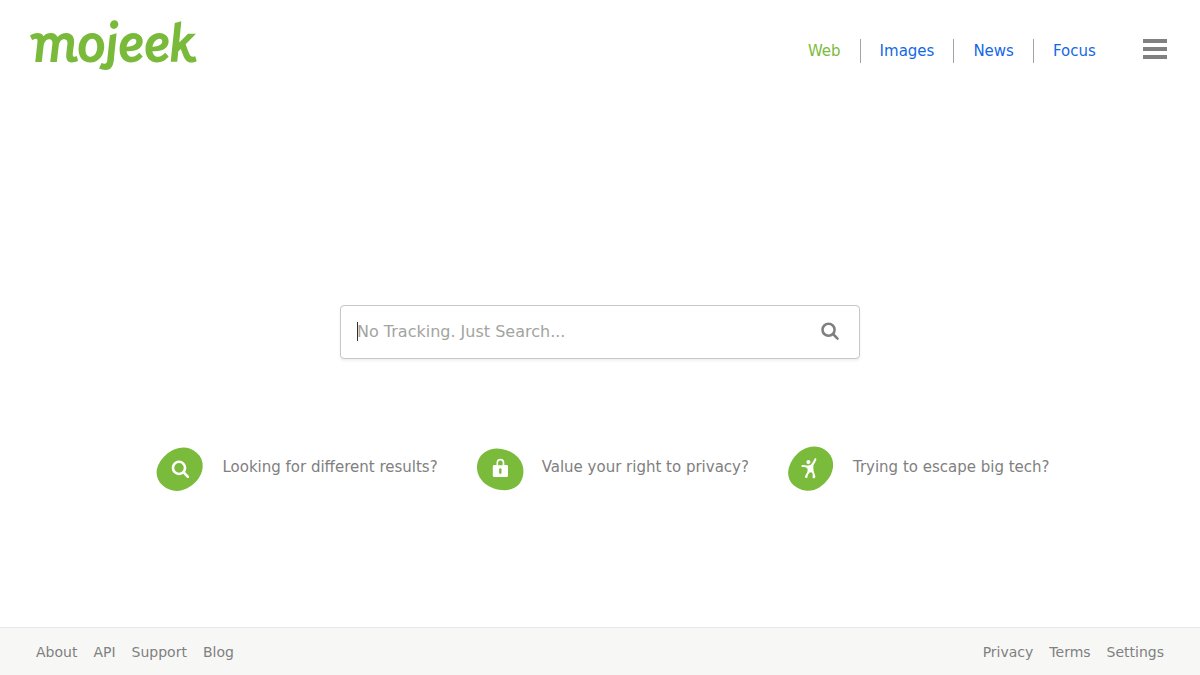
The interface is clean and straightforward. Results feel different from Google, Mojeek emphasizes what it calls "emotion-ranked" results, which attempts to surface content based on relevance rather than popularity. In practice, this means you sometimes find useful niche content that Google buries.
The index is smaller than Google's, so very niche queries might return limited results. However, for general searches and research, Mojeek performs surprisingly well. The engine is transparent about its limitations and doesn't pretend to compete with Google on scale, it competes on neutrality and independence.
What sets Mojeek apart among search engines similar to google is its commitment to not tracking users or building profiles. There's no ad targeting, no personalization, and no data selling. For users seeking true data sovereignty, this is compelling.
Marginalia: The Indie Web Specialist
Marginalia is a smaller, experimental search engine focused on finding quality content from independent websites and blogs. If you're tired of results dominated by major publications and corporate sites, Marginalia offers a refreshing alternative.
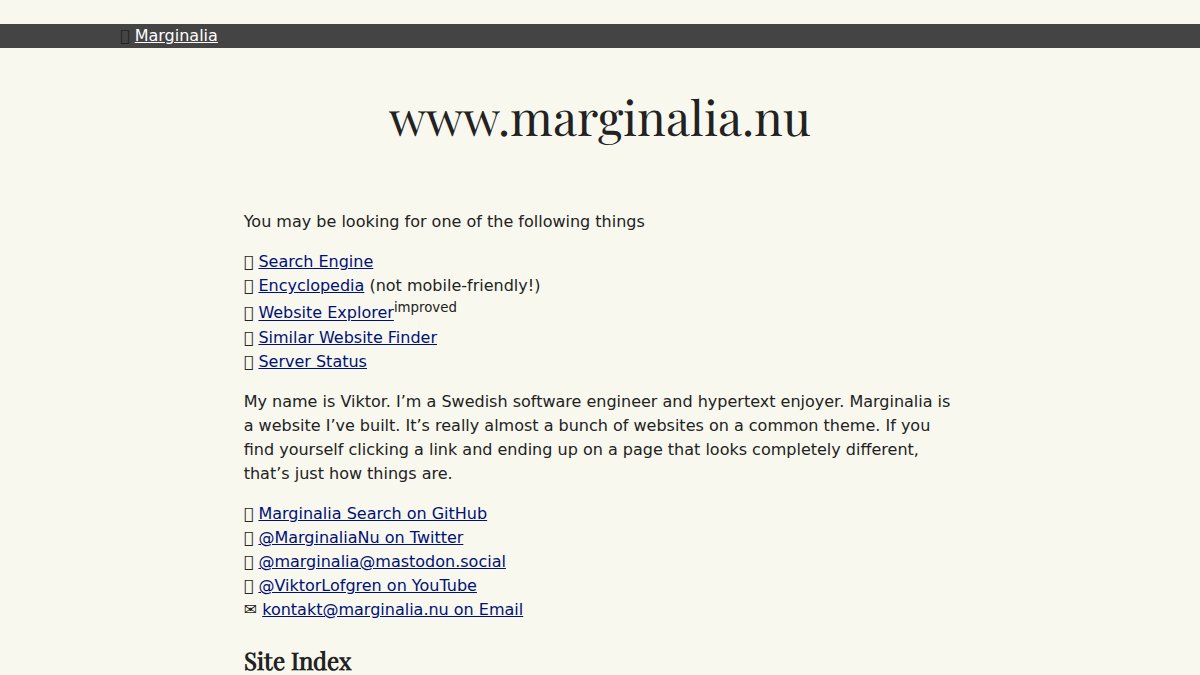
The engine deliberately de-emphasizes commercial content and large platforms. Search for "best coffee shops" and you'll get blog posts from coffee enthusiasts, not Yelp and TripAdvisor listings. This makes Marginalia exceptional for discovering niche perspectives and indie creators.
The index is intentionally limited, Marginalia's creator prioritizes quality and independence over scale. Results can feel idiosyncratic, but that's the point. For research into underrepresented topics or indie web discovery, Marginalia is unmatched among search engines similar to google.
AI-Powered Search Alternatives: Next-Generation Answer Engines
A new category of search engines similar to google has emerged: AI-powered answer engines that synthesize information rather than just ranking links. These engines use generative AI to read multiple sources and provide direct answers with citations.
Perplexity AI: Conversational Search With Citations
Perplexity AI functions as an answer engine rather than a traditional search engine. You ask a question conversationally, and Perplexity synthesizes information from multiple sources into a coherent answer, then cites its sources.
This is genuinely useful for research. Instead of clicking through five links to piece together an answer, you get a synthesized response immediately. For questions about current events, technical topics, or complex subjects, Perplexity often saves 10-15 minutes of research time.
The free tier is capable, though the paid tier ($20/month) offers faster responses and access to more advanced AI models. The engine includes real-time web access, so it can answer questions about recent news or events that happened after its training data cutoff.
One limitation: AI can occasionally hallucinate facts or misinterpret sources. Always verify critical information before relying on it. But for exploratory research or getting a quick overview of a topic, Perplexity is faster than traditional search.
You.com: AI Search With Customization
You.com combines traditional search results with AI-powered summaries and allows deep customization of your search experience. The engine lets you choose which sources to prioritize, adjust result filters, and even create custom search modes.
The customization options are extensive. You can tell You.com to prioritize academic sources, exclude certain domains, or weight recent content more heavily. This level of control appeals to power users and researchers who want to shape how results are ranked.
The AI features work similarly to Perplexity, You.com can synthesize answers from multiple sources. The key difference is You.com maintains more traditional search result listings alongside AI summaries, giving you both options in one interface.
For users who want more control over their search experience than Google offers but prefer traditional search results over pure AI answers, You.com splits the difference effectively.
Search Engines for Academic Research and Specialized Needs
Specialized search engines similar to google exist for academic research, scientific papers, and domain-specific queries. These engines index content that general search engines sometimes miss or bury.
For academic research, consider Google Scholar (ironically, still the best option despite being Google), ResearchGate for preprints and academic discussions, or PubMed for biomedical literature. These engines are purpose-built for specific fields and index content general search engines don't prioritize.
For technical documentation, Stack Overflow's search and GitHub's code search often outperform general search engines. For news and current events, specialized news aggregators sometimes beat general search engines at finding recent, relevant articles.
The key insight: search engines similar to google aren't one-size-fits-all. Your primary engine handles everyday searches, but specialized engines for specific research needs often deliver better results. Many power users maintain multiple search engines bookmarked for different purposes.
How to Change Your Default Search Engine: Step-by-Step Guide
Switching your default search engine is straightforward on desktop but significantly more complex on mobile, where platform fragmentation and app ecosystem differences create real friction. Understanding these differences helps you choose an engine that actually integrates smoothly into your daily workflow.
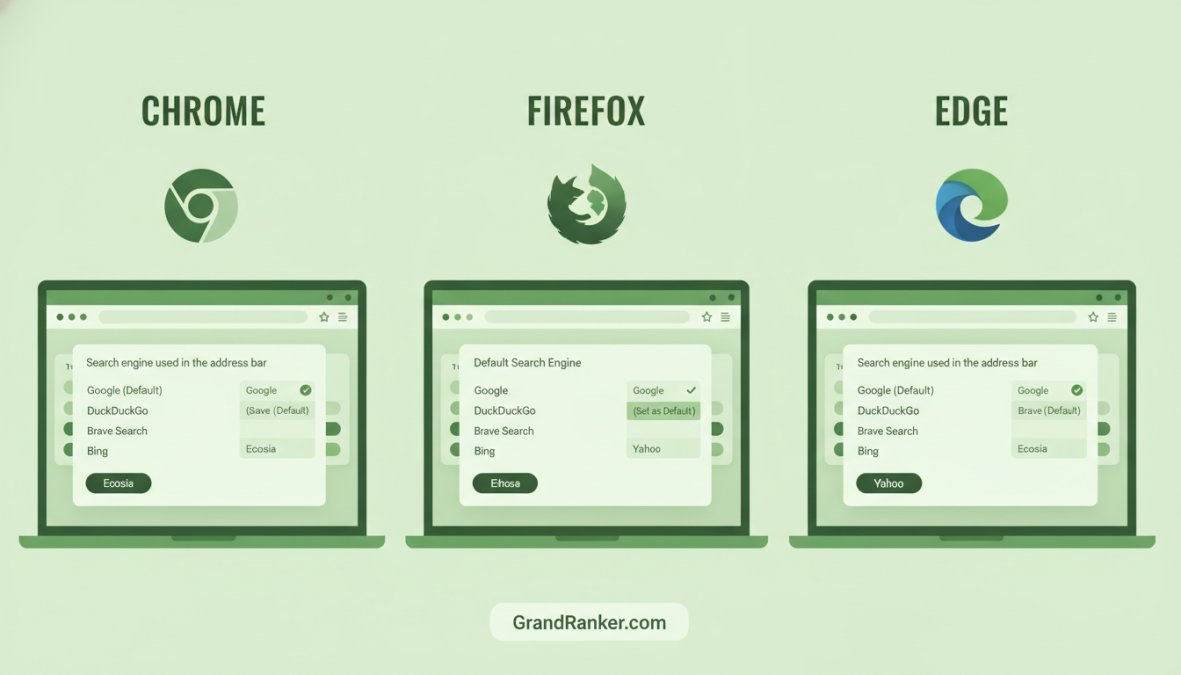
Desktop Browser Configuration
Google Chrome:
- Click the three-dot menu in the top-right corner
- Select "Settings"
- Click "Search engine" in the left sidebar
- Under "Search engines," find your preferred engine (DuckDuckGo, Brave, Startpage, etc.)
- Click the three dots next to it and select "Make default"
If your preferred engine isn't listed, click "Manage search engines," add the engine's URL, and set it as default.
Mozilla Firefox:
- Click the menu button (three horizontal lines) in the top-right
- Select "Settings"
- In the left sidebar, click "Search"
- Under "Default Search Engine," click the dropdown and select your choice
- To add a custom engine, scroll down to "One-Click Search Engines" and click "Add"
Apple Safari:
- Click "Safari" in the top menu bar
- Select "Settings"
- Click the "Search" tab
- Click the "Search engine" dropdown and select your preferred option
- Safari's built-in options are limited; you can use any engine through the address bar, but Safari won't let you set non-standard engines as system-wide default
Microsoft Edge:
- Click the three-dot menu in the top-right
- Select "Settings"
- Click "Privacy, search, and services" in the left sidebar
- Scroll to "Search engine" and click the dropdown
- Select your preferred search engine or add a custom one
Mobile Search Engine Configuration: Platform-Specific Realities
Mobile configuration is where the real complexity emerges. Unlike desktop, where you can set any search engine as default across browsers, mobile platforms impose significant constraints that vary dramatically by operating system.
iOS (iPhone/iPad), Limited to Apple's Approved List:
Apple restricts Safari's default search engine to a curated list: Google, Bing, DuckDuckGo, Ecosia, and Qwant. You cannot set Brave Search, Startpage, Kagi, or any other engine as Safari's system-wide default, even if you use that engine's dedicated app.
- Open Settings
- Scroll down and tap "Safari"
- Tap "Search Engine"
- Select from Apple's approved list
This is a critical limitation for iOS users. If you want to use Brave Search, Kagi, or Perplexity on iPhone, you must use their dedicated apps rather than Safari. This creates friction: you'll use Safari for some searches and a separate app for others, fragmenting your search experience.
Workaround: Install the dedicated app for your preferred engine (DuckDuckGo, Brave, Kagi, Perplexity all have iOS apps) and use it as your primary search tool. Most of these apps integrate with iOS's Siri search, so voice searches can route through your preferred engine.
Android, More Flexibility, But App-Dependent:
Android is more permissive. Chrome on Android lets you set any search engine as default through Chrome's settings (Settings > Search Engine). Firefox, DuckDuckGo, Brave, Kagi, and other engines all have dedicated Android apps that can be set as your default search handler.
- For Chrome: Settings > Search Engine > Select your choice
- For dedicated apps: Install the app, open its settings, and look for "Set as default search engine" or similar option
- On Android 12+, you can also set a default search app system-wide through Settings > Apps > Default Apps > Search Engine
The advantage: Android users can actually use Brave Search, Kagi, or Perplexity as their system-wide default. The disadvantage: if you switch between multiple Android browsers, you may need to configure the default separately in each one.
App Availability and Real-World Implications
Not all search engines similar to Google have mobile apps, which affects how usable they are on phones:
- DuckDuckGo: Full iOS and Android apps; integrates with Siri on iOS
- Brave Search: Full iOS and Android apps; available through Brave Browser
- Startpage: Limited mobile support; works through browser but no dedicated app
- Mojeek: No dedicated mobile app; web-based only
- Perplexity AI: Full iOS and Android apps; excellent mobile experience
- Kagi: Full iOS and Android apps; premium features work on mobile
- You.com: Web-based primarily; limited mobile app functionality
- Marginalia: No dedicated mobile app; web interface is not optimized for mobile
This matters more than it appears. If you're a mobile-first user (which most people are), an engine without a dedicated app or mobile optimization will feel clunky. You'll end up reverting to Google or whatever your phone's default is, defeating the purpose of switching.
Mobile UX Differences Worth Knowing
Beyond just setting a default, mobile search experiences vary significantly:
Keyboard and Voice Search Integration: DuckDuckGo and Brave integrate with iOS's Siri shortcuts, meaning you can search through your preferred engine using voice commands. Startpage and Mojeek don't have this integration, so voice searches default to Apple's choice.
Ad-Blocking and Privacy Extensions: On iOS, privacy extensions like 1Blocker or Ghostery can't block ads within Safari itself (due to Apple's sandboxing). This means even if you set DuckDuckGo as your default, you'll still see ads in Safari. Dedicated apps like DuckDuckGo's own browser include built-in ad blocking.
Autocomplete and Suggestions: Some engines (DuckDuckGo, Brave) offer autocomplete suggestions on mobile without tracking. Others require you to type full queries. This small difference compounds across hundreds of searches.
Result Loading Speed: Mobile networks are slower than desktop. Engines that proxy results (Startpage) add latency. Engines with optimized mobile indexing (Brave, Perplexity) load faster on 4G/5G.
Testing Your Configuration
Once you've changed your default, test it properly:
- Desktop: Click the address bar and type a search query. Your new engine should handle it.
- Mobile Safari (iOS): Tap the address bar and search. Verify the results come from your chosen engine.
- Mobile Chrome/Firefox (Android): Open a new tab and search. Confirm your engine is being used.
- Voice Search: Try a voice search on iOS or Android to confirm it routes through your preferred engine (if that engine supports voice integration).
Premium Search Engines: Ad-Free Alternatives Worth Paying For
Some search engines similar to google charge subscription fees in exchange for ad-free experiences and advanced features. These premium options appeal to power users and professionals who value their time.
Kagi Search: The Premium, Fully Private Option
Kagi Search is a paid search engine ($5-25/month depending on tier) that prioritizes quality results and complete privacy. The engine doesn't show ads, doesn't track users, and doesn't build profiles.
Kagi distinguishes itself through result customization. You can boost or suppress entire domains, create personalized filters, and adjust how results are ranked. For researchers and professionals who run similar searches repeatedly, this customization saves significant time.
The search quality is genuinely excellent. Kagi uses multiple indexes and its own ranking algorithms to surface relevant content. For users coming from Google, the results feel fresh, you're not seeing the same popular sites ranked identically.
The premium pricing model is intentional. By charging users directly rather than monetizing through ads or data sales, Kagi eliminates conflicts of interest. The company's revenue comes from users, not advertisers, which theoretically aligns incentives toward delivering quality results.
The trade-off is cost. At $5/month minimum, Kagi costs more than most subscription services. For casual users, the free alternatives offer better value. For power users running dozens of searches daily, Kagi's efficiency gains might justify the cost.
Proxy Search Engines vs. Independent Indexes: Technical Comparison
Understanding the difference between proxy search engines and independent indexes helps you choose the right search engine similar to google for your needs.
Proxy search engines (like Startpage) query another engine's index on your behalf, then return results without revealing your identity to that engine. You get the underlying engine's results and ranking quality but gain privacy. The downside: you're still feeding data to the underlying engine, just anonymously.
Independent indexes (like Brave, Mojeek, Marginalia) crawl the web directly and build their own indexes and ranking algorithms. Results reflect the independent engine's priorities and algorithms, not another engine's. You get true algorithmic independence but potentially smaller indexes and different result quality.
Hybrid engines (like DuckDuckGo, Ecosia, Qwant) use a mix of sources, sometimes their own crawlers, sometimes data from partners like Bing. This approach balances result quality with independence and privacy.
For privacy, proxy engines and independent indexes are equally effective, both hide your identity. The difference is philosophical: proxy engines preserve Google's algorithm while protecting your privacy; independent indexes offer different algorithmic approaches alongside privacy.
For most users, the practical difference is minimal. You'll notice the distinction only with specialized or niche queries where different indexes rank results differently.
Which Search Engine Should You Choose? Decision Framework
Choosing among search engines similar to google depends on your priorities. Use this framework to identify the best fit:
If privacy is your primary concern: DuckDuckGo, Brave Search, Startpage, or Kagi all offer strong privacy protections. DuckDuckGo and Startpage are easiest to adopt immediately. Brave Search offers the added benefit of algorithmic independence.
If you want algorithmic independence: Brave Search or Mojeek. These engines run their own indexes and don't rely on Google or Bing. Results will feel different from Google, which is the point.
If you want Google's results without Google's tracking: Startpage. It's the cleanest bridge for users transitioning away from Google.
If you're a researcher needing synthesized answers: Perplexity AI or You.com. These AI-powered engines save time on exploratory research by synthesizing information across sources.
If you want the best overall search quality and don't mind paying: Kagi Search. The premium tier offers unmatched customization and result quality.
If you want to support environmental causes: Ecosia. The engine uses its ad revenue to fund tree-planting projects. Results are competitive for most searches.
If you want to discover indie web content: Marginalia. Use it as a supplementary engine for niche research and indie discovery.
If you're in Europe and prioritize data sovereignty: Qwant. The engine is GDPR-compliant and operates under European data protection standards.
The reality is most power users maintain multiple search engines bookmarked. Your primary engine handles everyday searches, but specialized engines for specific needs often deliver better results. This hybrid approach gives you the best of each engine's strengths.
Conclusion: Your Next Search Engine Awaits
Switching from Google feels like a significant decision, but it's simpler than most people assume. Setting a new default search engine takes two minutes, and most users adapt within a week. The real challenge isn't technical, it's choosing which search engine similar to google aligns with your values and workflow.
If you're creating content or managing an online presence, GrandRanker can help you ensure your work gets discovered across search engines. GrandRanker's AI-powered SEO platform automates keyword research, content optimization, and publishing to help you rank higher on Google while getting cited by AI assistants like ChatGPT and Claude. With features like automated keyword research and content on autopilot, you can focus on your core business while GrandRanker ensures your content reaches audiences across search engines and AI systems. Start your free trial today and watch your organic traffic grow.
Frequently Asked Questions
What is the best search engine alternative to Google?
The best alternative depends on your priorities. For privacy, DuckDuckGo and Brave Search excel with strong no-tracking policies. For research speed, Perplexity AI offers AI-powered conversational search with citations. For true independence, Mojeek operates its own search index. For academic research, specialized engines like Google Scholar complement general search engines similar to Google with focused indexing.
Are there truly private search engines that don't track you?
Yes. Privacy-focused search engines like DuckDuckGo, Brave Search, and Startpage explicitly do not track search history or build user profiles. Brave Search operates its own independent index without reliance on Google or Bing. Startpage delivers Google results while stripping all tracking. Kagi offers a premium ad-free option with zero tracking. Each maintains transparent privacy policies and no data collection practices.
How do I change my default search engine?
The process varies by browser. In Chrome, go to Settings > Search Engine and select your preferred option from the dropdown. Firefox: Preferences > Search > Search Bar. Safari: Preferences > Search > Search Engine. Edge: Settings > Privacy > Search Engine. On mobile, most browsers allow search engine changes in their settings menu. You can also install browser extensions to switch search engines quickly without changing system defaults.
What's the difference between proxy search engines and independent indexes?
Proxy search engines like Startpage retrieve results from other sources (typically Bing or Google) while anonymizing your query before sending it. Independent index search engines like Brave Search and Mojeek crawl and index the web themselves, creating their own result databases. Independent indexes offer true algorithmic independence but may have smaller, less comprehensive indexes. Proxy engines offer familiar quality with privacy added on top.
Which search engine is best for academic research?
For academic research, combine general search engines similar to Google with specialized tools. Perplexity AI excels at synthesizing research with citations and conversational queries. For peer-reviewed papers, Google Scholar remains the standard. Mojeek and Brave Search offer privacy-focused research without tracking your academic interests. Many researchers use multiple engines, general engines for discovery, specialized engines for deep scholarly content, ensuring comprehensive coverage.
This article was written using GrandRanker