 listicle
7 Best SEO Tools for Small Business on a Budget
Table of Contents
- 7 Best SEO Tools for Small Business on a Budget: Quick Comparison
- How We Evaluated These SEO Tools
- 1. GrandRanker: AI-Powered SEO Automation for Founders
- 2. Google Search Console: Essential Free SEO Tools for Small Business
- 3. Ubersuggest: Budget-Friendly Keyword Research for Small Business
- 4. Rank Math: WordPress SEO Plugin for Cost-Effective Optimization
- 5. Google Analytics 4: Free Performance Tracking and Traffic Analysis
- 6. Ahrefs: Backlink Analysis and Competitor Research on a Budget
- 7. Yoast SEO: User-Friendly On-Page Optimization for WordPress Sites
- Building Your SEO Strategy for Small Business on a Budget
Last Updated: July 27, 2026
Finding the right SEO tools shouldn't drain your budget. Small business owners in Ljubljana and beyond face a common challenge: enterprise-grade SEO platforms cost thousands monthly, yet effective optimization doesn't require that investment. This guide covers the 7 best SEO tools for small business on a budget, combining free options with affordable paid tools that deliver measurable results without breaking the bank.
At GrandRanker, we've analyzed dozens of SEO platforms to identify which ones actually move the needle for bootstrapped teams. The tools we recommend share three qualities: they solve real problems, they're accessible to non-technical users, and they integrate into a cohesive workflow rather than forcing you to juggle disconnected software.
7 Best SEO Tools for Small Business on a Budget: Quick Comparison
The most effective SEO strategy layers free tools with one or two affordable paid solutions. This approach lets you start immediately at zero cost, then invest in specific capabilities once you've proven ROI. Below is a quick overview of the 7 best SEO tools for small business on a budget:
| Tool | Starting Price | Best For | Free Tier | Key Strength |
|---|---|---|---|---|
| GrandRanker | See pricing page | Founders automating SEO | Free trial | AI-powered keyword research & content automation |
| Google Search Console | Free | All websites | Full access | Direct data from Google about your site |
| Google Analytics 4 | Free | Traffic analysis | Full access | Understanding user behavior & conversions |
| Ubersuggest | $12/month | Budget-conscious teams | Limited free | Keyword research with accessible pricing |
| Rank Math | $7.99/month | WordPress sites | strong free version | On-page optimization directly in WordPress |
| Ahrefs | $29/month | Backlink analysis | Limited free tier | Industry-leading backlink database |
| Yoast SEO | $118.80/year | WordPress content | Free version | Beginner-friendly on-page guidance |
How We Evaluated These SEO Tools
Choosing SEO tools for a tight budget requires different criteria than enterprise selection. We prioritized tools based on three factors: time-to-value (how quickly you see results), cost-effectiveness (ROI per dollar spent), and integration potential (whether tools work together or create silos).
We tested each platform's learning curve, feature depth, and real-world performance for small teams. A tool might be powerful but worthless if it takes 40 hours to master. Conversely, a simple tool that solves one problem well often outperforms expensive platforms that do everything poorly.
The tools below represent different entry points into SEO. Some are completely free and essential for any website. Others cost money but save time that would otherwise go to manual work. The best approach is starting with free tools, then adding paid solutions as your budget allows and your needs clarify.
1. GrandRanker: AI-Powered SEO Automation for Founders
Skip the manual keyword research and content optimization if you're serious about scaling organic traffic. GrandRanker automates the entire SEO workflow, from finding high-opportunity keywords to creating optimized content and tracking rankings, so you focus on running your business instead of managing spreadsheets.
What makes GrandRanker different is the AI-first approach. Rather than giving you dashboards to manually interpret, it finds underexploited keyword opportunities, generates content optimized for those keywords, and publishes directly to your site. The platform also handles one critical element most small businesses overlook: getting cited by AI assistants like ChatGPT and Claude, which now drive significant traffic.
For founders bootstrapping growth, the time savings alone justify the investment. You're not spending 10 hours weekly on keyword research, competitor analysis, and content optimization. That time goes back to product development, customer conversations, or other high-use work.
The platform offers a free trial so you can test the workflow before committing. Check the GrandRanker pricing page for current plans and features. The free trial gives you full access to core features, which means you can validate whether AI-powered SEO works for your niche before paying.
2. Google Search Console: Essential Free SEO Tools for Small Business
Stop guessing how Google sees your website. Google Search Console is the single most important SEO tool you'll use, and it costs nothing. This free platform tells you exactly which search queries bring people to your site, which pages rank for what keywords, and what technical issues Google encounters when crawling your content.
Many small businesses skip GSC because they assume their analytics tool handles this. Wrong. Google Search Console shows data that Google Analytics doesn't, specifically, which search queries led people to click on your site. You'll see impressions (how many times you appeared in search results) versus clicks (how many people actually visited).
This distinction matters enormously. You might rank on page 2 for a keyword 500 people search monthly. That's 500 impressions but maybe 2 clicks. GSC shows you this gap. You can then optimize that page to improve click-through rate, or decide the keyword isn't worth targeting.
The platform also alerts you to indexing problems, mobile usability issues, and security concerns. You get a crawl stats report showing how often Google visits your site and whether it encounters errors. This early warning system prevents small problems from becoming ranking disasters.
3. Ubersuggest: Budget-Friendly Keyword Research for Small Business
Ubersuggest proves you don't need to spend hundreds monthly to do serious keyword research. At $12 per month on an annual plan, it's the most affordable full-featured keyword tool available. For teams just starting SEO, this is where to begin.
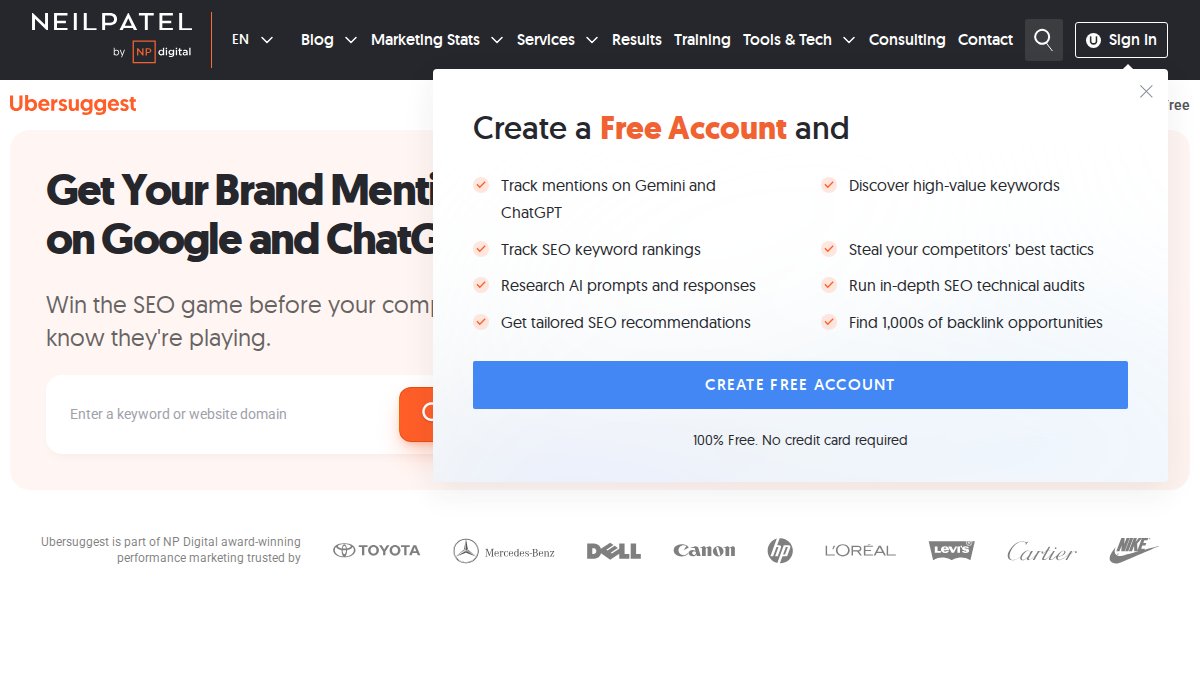
The tool gives you search volume, keyword difficulty scores, CPC data, and content ideas based on top-ranking articles. You can analyze competitor keywords, see which pages rank for specific terms, and identify content gaps. The interface is clean enough that a non-technical person can use it without tutorials.
Where Ubersuggest falls short is data depth. The search volume estimates are reasonable but less precise than Semrush or Ahrefs. The backlink data is limited. If you're competing in extremely competitive niches, you'll eventually outgrow it. But for local SEO, niche markets, and small business competition, Ubersuggest's data is accurate enough.
The free tier lets you run 3 searches daily, which is enough to test keywords before upgrading. The paid plan removes search limits and adds rank tracking for up to 500 keywords. For a bootstrapped business, this is the sweet spot between cost and capability.
4. Rank Math: WordPress SEO Plugin for Cost-Effective Optimization
If your website runs on WordPress, Rank Math is the best value SEO plugin available. The free version is so feature-rich that many small businesses never need the paid tier. You get on-page optimization guidance, XML sitemap generation, schema markup, and rank tracking, all within your WordPress dashboard.
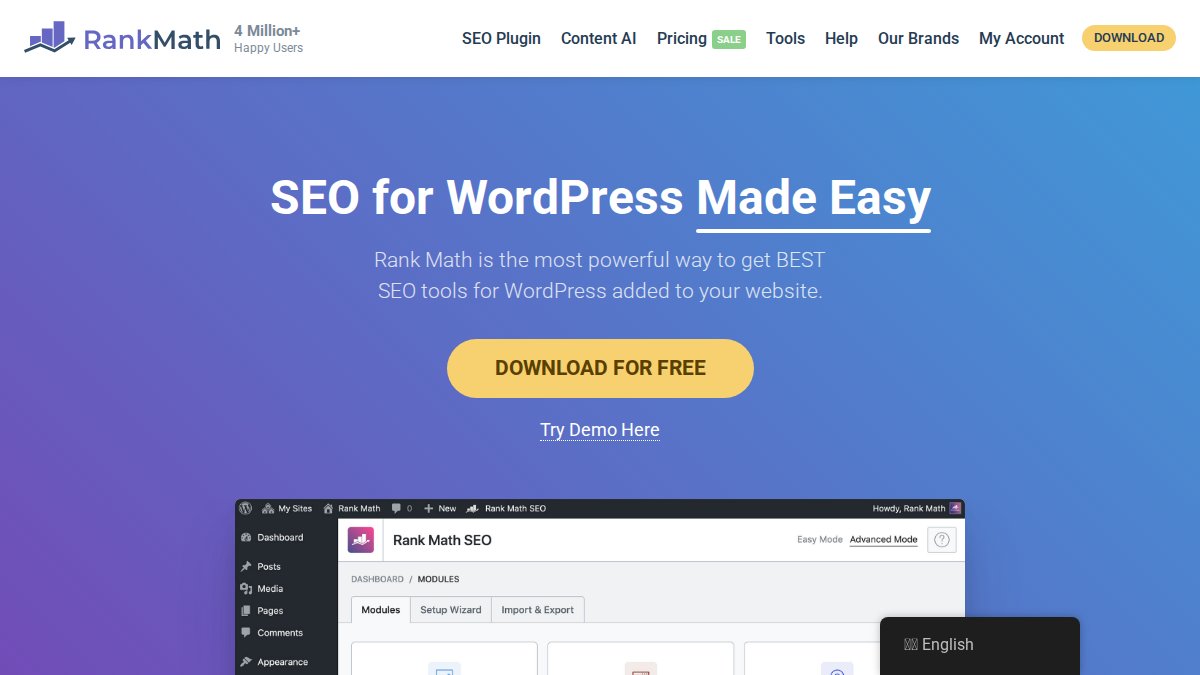
Rank Math's strength is reducing tool sprawl. Instead of jumping between your WordPress editor, Google Search Console, and external SEO tools, everything happens in one place. You write a post, Rank Math analyzes it, and you get real-time suggestions to improve rankings.
The free version includes the content AI assistant, which uses natural language processing to suggest improvements to your article. It's not perfect, you'll want to review suggestions, but it catches common on-page mistakes like missing keyword usage, poor keyword placement, or readability issues.
The paid version starts at $7.99 monthly (billed annually) and adds advanced features like keyword tracking, content AI for bulk optimization, and the ability to monitor multiple sites. Even the premium plan costs less than a single month of Semrush. For WordPress sites, this is a no-brainer upgrade.
5. Google Analytics 4: Free Performance Tracking and Traffic Analysis
Google Analytics 4 is your window into what happens after someone lands on your site. It tracks how long they stay, which pages they visit, whether they convert, and what content engages them most. This data guides every SEO decision.
GA4 replaced the older Universal Analytics in 2023, and the new version is far more powerful for understanding user behavior. You get event tracking (specific actions like button clicks or video plays), conversion tracking, and audience insights. You can see which traffic sources drive the most valuable visitors, not just the most visitors.
Many small businesses look at GA4 and feel overwhelmed. The interface is dense, the reports are customizable, and there are dozens of metrics. Start simple: focus on three reports. First, the Traffic Acquisition report shows which channels (organic search, direct, referral) bring people to your site. Second, the User Engagement report shows which pages keep people on your site longest. Third, the Conversions report shows which content drives your business goal (signups, purchases, etc.).
The free version has no limits for small businesses. You can track unlimited events, create custom reports, and access historical data. There's no reason to upgrade unless you have over 10 million monthly events, which is enterprise-scale traffic.
6. Ahrefs: Backlink Analysis and Competitor Research on a Budget
Ahrefs is the gold standard for backlink analysis. If you need to understand your link profile, see where competitors get links, or identify link-building opportunities, Ahrefs is worth the investment. The Starter plan begins at $29 monthly.
What makes Ahrefs special is the quality of its backlink database. The company crawls the entire web constantly, which means you get the most accurate link data available. You can see every link pointing to your site, analyze competitor links, and identify high-authority sites in your niche that might link to you.
The Site Explorer tool is where most people start. Plug in any domain, yours or a competitor's, and you get a complete link profile. You see referring domains, anchor text distribution, and link quality scores. This reveals whether competitors are earning links through content, paid placements, or other tactics.
For small businesses, Ahrefs' main limitation is cost. At $29 monthly, it's more expensive than Ubersuggest or Rank Math. But if link building is critical to your strategy, which it is for competitive niches, Ahrefs delivers ROI. The insights often reveal 2-3 link-building opportunities worth thousands in domain authority.
Ahrefs also offers a free tier through Ahrefs Webmaster Tools, where verified site owners get limited backlink data and site audit features. It's worth setting up even if you don't upgrade.
7. Yoast SEO: User-Friendly On-Page Optimization for WordPress Sites
Yoast SEO is the most popular WordPress SEO plugin globally, with over 5 million active installations. It's the most beginner-friendly tool on this list. If you're new to SEO and want step-by-step guidance on optimizing each post, Yoast delivers that.
The free version includes content analysis that grades your post on a traffic light system (red, orange, green). Yoast tells you to include your keyword in the first paragraph, use it in subheadings, and maintain a certain keyword density. It also analyzes readability, checking sentence length and paragraph length.
This approach has a downside: following Yoast's rules rigidly can lead to over-optimization. You might write unnatural sentences just to hit keyword targets. That said, for beginners, Yoast's guardrails prevent the most common on-page mistakes.
The premium version costs $118.80 annually and adds internal linking suggestions, redirect management, and advanced AI features. For most small businesses, the free version is sufficient. You're paying for convenience, not capability you can't get elsewhere.
Building Your SEO Strategy for Small Business on a Budget
The real power emerges when you combine these tools into a workflow rather than using them in isolation. A tool is only as valuable as the action it enables. Here's how to structure your SEO efforts across these platforms.

Free Tools First: Start With What Costs Nothing
Begin with Google Search Console, Google Analytics 4, and your CMS's built-in SEO features (Rank Math free tier for WordPress, or Yoast free version). These three give you 80% of the insights you need to improve rankings. Spend 2-3 weeks gathering data before investing in paid tools.
Set up GSC first. Verify your site, submit your sitemap, and wait 2-3 days for Google to crawl your content. Then review the Performance report. Which pages get the most impressions? Which keywords drive clicks? Which pages appear in search but get no clicks (these are quick wins, improve them and you'll see immediate traffic gains).
Next, configure GA4. Link it to GSC so you can see which search keywords drive conversions. Create a custom report showing organic traffic by landing page. This reveals which content actually drives business results versus which content just looks good in rankings.
Finally, install Rank Math (WordPress) or Yoast (WordPress) free version. As you create new content, let it guide on-page optimization. Don't obsess over every suggestion, but fix the red flags it highlights.
Layer in Affordable Paid Tools for Competitive Advantage
Once you've published 10-15 pieces of content and gathered 4-6 weeks of GA4 data, invest in one paid tool. The choice depends on your biggest bottleneck.
If you're struggling to find rankable keywords, start with Ubersuggest ($12/month). Run 20-30 keyword searches to build a target list. Look for keywords with 500-5,000 monthly searches and low difficulty scores. These are the "sweet spot" keywords for small businesses, real search volume without massive competition.
If you're competing in a crowded niche and need to understand competitor strategies, add Ahrefs ($29/month). Analyze 3-5 top competitors to see which pages rank, where they get links, and what content strategy works. This intelligence guides your content calendar.
If you want to automate keyword research and content optimization entirely, GrandRanker's AI-powered approach removes the manual work. The platform finds opportunities, creates content, and tracks performance, ideal for founders who need SEO results but lack time for tactical execution.
Tool Integration Workflows: Getting More From Less
The best small business SEO strategy treats tools as a system, not isolated software. Here's a practical workflow:
Week 1-2: Research Use Ubersuggest or GrandRanker to identify 20 target keywords. Look for low-competition opportunities in your niche. Document these in a simple spreadsheet (keyword, search volume, difficulty, intent).
Week 3-4: Create Write content targeting these keywords. Use Rank Math or Yoast to optimize on-page elements. Include your target keyword in the title, first paragraph, and at least one subheading. Aim for 1,500+ words for competitive keywords, 800+ words for niche topics.
Week 5-6: Publish Submit your sitemap to Google Search Console. Monitor GSC for indexing issues. Wait 2-3 weeks for Google to crawl and rank your content.
Week 7+: Analyze Review GA4 and GSC data. Which pages rank? Which drive traffic? Which drive conversions? Double down on what works. Improve or retire underperforming content.
This cycle repeats monthly. After 3-4 months, you'll have enough data to see which strategies work for your business. Then optimize based on results, not hunches.
For teams in Ljubljana and across the US, this approach works regardless of industry. Local service businesses, e-commerce stores, SaaS companies, and agencies all follow the same framework. The keywords change, but the workflow stays consistent.
Building sustainable organic traffic requires the right tools and a clear process. The 7 best SEO tools for small business on a budget, from free options like Google Search Console to affordable paid platforms like Ubersuggest, give you everything needed to compete.
If you're managing SEO manually across multiple tools, consider consolidating with GrandRanker. The platform automates keyword research, content creation, and optimization, eliminating the busywork and letting you focus on strategy. With AI-powered recommendations and direct publishing capabilities, you'll spend less time in dashboards and more time growing your business. Start your free trial to see how AI-powered SEO works
Frequently Asked Questions
What are the best free SEO tools for small businesses?
Google Search Console and Google Analytics 4 are the two most essential free SEO tools for small business. Search Console shows how your site appears in Google Search, tracks impressions and clicks, and alerts you to indexing issues. Analytics 4 tracks visitor behavior and traffic sources. Both are completely free and integrate seamlessly. Rank Math and Yoast SEO also offer robust free versions for WordPress users. These four tools combined provide keyword research, site audits, performance tracking, and on-page optimization, everything a bootstrapped business needs to start.
Can I do SEO for my small business without paid tools?
Yes. Google Search Console, Google Analytics 4, and the free versions of Rank Math or Yoast SEO are sufficient for basic SEO strategy execution. You can identify keywords using Google Search Console data, optimize pages with free plugins, track rankings manually, and monitor traffic. However, paid tools like Ubersuggest or Ahrefs accelerate keyword research, competitive analysis, and backlink tracking, saving you hours of manual work. The question isn't whether free tools work, but whether your time is worth the cost of paid alternatives.
What's the difference between Google Search Console and Google Analytics 4?
Google Search Console shows how Google sees your site: search queries that bring traffic, impressions, click-through rates, indexing status, and crawl errors. It's search-focused. Google Analytics 4 tracks what visitors do after they arrive: pages viewed, session duration, conversions, and audience demographics. It's behavior-focused. Together, they answer two questions: 'How am I ranking?' (Search Console) and 'What do visitors do on my site?' (Analytics 4). Both are free and essential for small business SEO.
How do I choose between budget SEO tools for my small business?
Start by assessing your platform: if you use WordPress, Rank Math or Yoast SEO are cost-effective and integrated directly into your dashboard. If you need multi-platform tools, Ubersuggest offers the best price-to-feature ratio for solopreneurs. For backlink analysis and competitive research, Ahrefs' Starter plan is affordable. For automation and AI-powered content optimization, GrandRanker eliminates manual keyword research and content creation. Match the tool to your biggest bottleneck, if it's time, choose automation; if it's data, choose research tools.
What hidden costs should I watch for in budget SEO tools?
Watch for credit-based systems (Ahrefs charges credits per search, which can deplete quickly), per-site licensing (Yoast Premium charges per domain), and renewal rate increases (many tools offer discounts on first purchase, then raise renewal prices 20-50%). Free trials often limit searches or features, masking true usability. Integration costs add up if you need multiple tools, some don't sync data, requiring manual work. Estimate total cost of ownership: base price plus integrations, plus time spent managing multiple platforms. Often, one comprehensive paid tool costs less than managing five free tools poorly.
This article was written using GrandRanker